PowerShell
6
Product Details
- Overview
-
PowerShell is Microsoft’s cross-platform command-line shell and scripting language for administering Windows, Microsoft 365, Azure, devices, servers, directories, and many other systems. District technology teams use scripts and modules to automate repetitive configuration, reporting, account, and deployment work.
It is a technical automation framework rather than a commercial workflow application. Move it to Systems Administration, Automation, or Deployment and Imaging; retain it as a valid tool because districts may rely on locally developed scripts for essential operations.
- Features
-
Administrative automation
- Runs commands and scripts for accounts, devices, services, files, configuration, reporting, and bulk changes.
- Modules expose management functions for Microsoft and third-party systems.
Repeatable operations- Turns manual technical procedures into versioned, testable, scheduled, and auditable scripts.
- Teams should use code review, source control, logging, and safe credential handling.
Catalog distinction- PowerShell does not provide end-user forms, project boards, or approval workflows by itself.
- Document the scripts and systems actually used by each connected district.
- Support Options
-
- Email •
- Web
- Company News
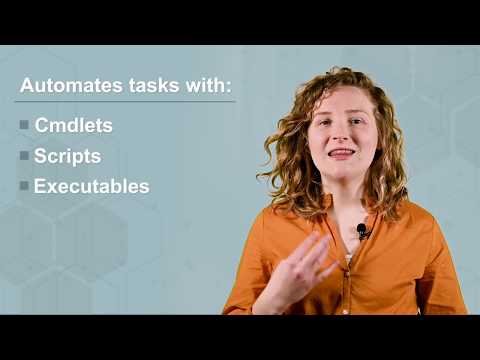
PowerShell is a cross-platform task automation solution made up of a command-line shell, a scripting language, and a configuration management framework. PowerShell runs on Windows, Linux, and macOS. As a scripting language, PowerShell is commonly used for automating the management of systems. PowerShell is built on the .NET Common Language Runtime (CLR). All inputs and outputs are .NET objects. No need to parse text output to extract information from output.
PowerShell is a cross-platform task automation solution made up of a command-line shell, a scripting language, and a configuration management framework. PowerShell runs on Windows, Linux, and macOS. As a scripting language, PowerShell is commonly used for automating the management of systems. PowerShell is built on the .NET Common Language Runtime (CLR). All inputs and outputs are .NET objects. No need to parse text output to extract information from output.
Videos

![Windows PowerShell [01] Introduction](/media/reviews/videos/thumbnail/640x640s/d3/97/7b/TUNNmVeyjW0-v1786599900.jpg)