Microsoft Planner
3
Product Details
- Overview
-
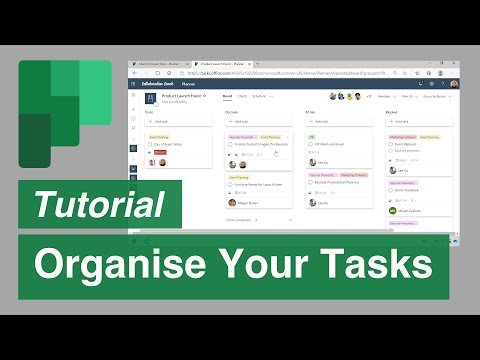
Microsoft Planner is the task and work-management component within Microsoft 365. Teams create plans, assign tasks, set dates and priorities, attach files, organize work into buckets, and review progress through board, schedule, and reporting views.
For districts already using Microsoft 365, Planner provides a practical way to coordinate departmental projects and recurring work with existing identities, Teams, Outlook, and files. Rename the record from Microsoft Office 365 Planner to Microsoft Planner and move it to Project and Work Management.
- Features
-
Team task boards
- Tracks tasks, owners, due dates, priorities, checklists, labels, notes, and attachments in shared plans.
- Board and schedule views help teams manage current work.
Microsoft 365 context- Works with Microsoft accounts and can be used alongside Teams, Outlook, SharePoint, and other Microsoft services according to licensing.
- Permissions and file locations should be planned deliberately.
Project scope- Suitable for everyday coordination and lighter project management; advanced portfolio and resource functions depend on the licensed Microsoft offering.
- District governance should cover guests, retention, and sensitive content.
- Company News
Office 365 Planner, which offers people a simple and highly visual way to organize teamwork. Planner makes it easy for your team to create new plans, organize and assign tasks, share files, chat about what you’re working on, and get updates on progress. Planner can be used to manage a marketing event, brainstorm new product ideas, track a school project, prepare for a customer visit, or just organize your team more effectively.
Office 365 Planner, which offers people a simple and highly visual way to organize teamwork. Planner makes it easy for your team to create new plans, organize and assign tasks, share files, chat about what you’re working on, and get updates on progress. Planner can be used to manage a marketing event, brainstorm new product ideas, track a school project, prepare for a customer visit, or just organize your team more effectively.
Videos