Airtame
6
Product Details
- Website
- https://airtame.com
- Overview
-
Airtame is a wireless screen-sharing, digital-signage, and hybrid-meeting platform built around network-connected display devices. Teachers and staff can present from supported computers or mobile devices without passing cables, while technology teams can manage screens and publish room or district information centrally.
In schools, Airtame can support classroom presentation, conference rooms, dashboards, emergency or routine signage, and selected video-meeting workflows. Districts should validate network segmentation, multicast or discovery behavior, guest access, device management, identity settings, accessibility, content approval, and compatibility with existing displays and conferencing systems.
- Features
-
Creation and capture
- Allows supported devices to share screens wirelessly to classroom, meeting-room, or common-area displays.
- Districts should identify required hardware, accounts, storage, and staff skills before standardizing workflows.
Distribution and use- Supports centrally managed digital signage and selected conferencing or room-collaboration workflows.
- Accessibility requires captions, transcripts, readable controls, and an alternative when the media format creates a barrier.
Administration and governance- Provides cloud administration, device status, settings, updates, and role controls according to subscription.
- District procedures should address consent, copyright, student records, retention, public release, and account ownership.
- Support Options
-
- Email •
- Phone
- Company News
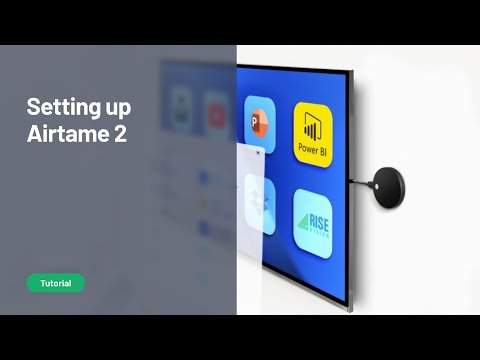
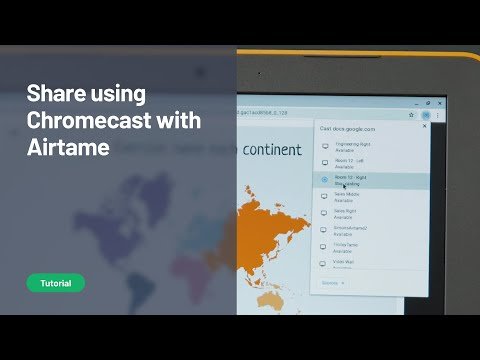
Digital signage made easy! Airtame is a small hardware device (think Google's Chromecast device) that plugs into any monitor using an HDMI interface. It can then be used to stream video from a computer (Windows, Mac, Linux) to any of the connected monitors. Removes the need to have wires to connect to video display units.
Digital signage made easy! Airtame is a small hardware device (think Google's Chromecast device) that plugs into any monitor using an HDMI interface. It can then be used to stream video from a computer (Windows, Mac, Linux) to any of the connected monitors. Removes the need to have wires to connect to video display units.
Videos