G Suite
2
Product Details
- Website
- http://gsuite.google.com
- Overview
-
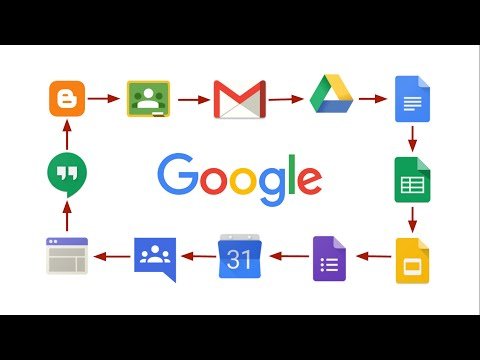
Google Workspace for Education is a broad cloud productivity and collaboration environment that includes Gmail, Drive, Docs, Sheets, Slides, Meet, Calendar, Classroom, and administrative services according to edition. It supports communication, content creation, file sharing, meetings, and classroom workflows across a district.
Google provides training and certification resources for educators, but Workspace itself is not a professional-development management system. This listing should be renamed and moved to General Productivity; any separate record for Google educator training should describe the training program rather than the software suite.
- Features
-
Communication and collaboration
- Provides email, calendars, video meetings, shared files, and real-time document collaboration.
- Supports staff, student, and cross-school work according to district configuration.
Teaching and learning tools- Includes Classroom and integrations with educational applications, assignments, feedback, and supported learning workflows.
- Capabilities vary by edition and age settings.
Administration and training- Provides centralized identity, security, retention, device, and application controls plus educator training and certification resources.
- Training resources do not make the suite a PD tracking platform.
- Support Options
-
- Email •
- Web
- Company News
All you need to do your best work, together in one package that works seamlessly from your computer, phone or tablet. With G Suite (formerly Google Apps) you can empower teamwork. Make decisions faster, face to face. You can use shared calendars to see when others are available and schedule meetings with automatic email invites. With one click, turn your meeting into a video conference from any camera-enabled computer, phone, or tablet and you can share your screen to review your work as a team, and make decisions on the spot.
All you need to do your best work, together in one package that works seamlessly from your computer, phone or tablet. With G Suite (formerly Google Apps) you can empower teamwork. Make decisions faster, face to face. You can use shared calendars to see when others are available and schedule meetings with automatic email invites. With one click, turn your meeting into a video conference from any camera-enabled computer, phone, or tablet and you can share your screen to review your work as a team, and make decisions on the spot.
Videos