TypingClub
4
Product Details
- Website
- https://www.edclub.com/schools
- Overview
-
TypingClub is a web-based keyboarding and digital-literacy curriculum platform. It is intended primarily for K–12 learners developing keyboarding and digital-literacy skills, with students, teachers, library/media staff, special educators, and technology programs using it to support touch typing, speed, accuracy, ergonomics, digital citizenship, and basic technology skills.
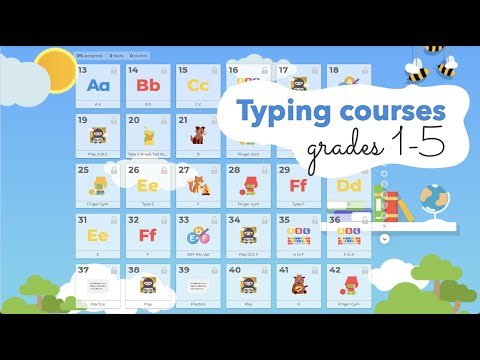
Students complete sequenced lessons, games, timed practice, and assessments while educators assign courses and monitor accuracy and growth. Districts should evaluate how the product fits adopted curriculum, student needs, instructional time, and the work educators must do around it.
- Student Data Privacy
-
Review the Common Sense Privacy Rating:
https://privacy.commonsense.org/evaluation/TypingClubTypingClub Privacy Policy:
https://www.edclub.com/privacy
Signed California Student Data Privacy Agreement?
No - Features
-
Audience and instructional role
- Grades / learners: K–12 learners developing keyboarding and digital-literacy skills
- Primary users: students, teachers, library/media staff, special educators, and technology programs
- Learning focus: touch typing, speed, accuracy, ergonomics, digital citizenship, and basic technology skills — a web-based keyboarding and digital-literacy curriculum platform
How it supports learning- Students complete sequenced lessons, games, timed practice, and assessments while educators assign courses and monitor accuracy and growth.
- Teachers should connect use to explicit learning goals and inspect student work rather than rely on completion or engagement alone.
Implementation and instructional decisions- Balance speed with accuracy, ergonomics, accessibility, and alternative input needs; identify whether the district licenses typing only or broader digital-literacy courses.
- Districts should confirm accessibility, language support, student-data practices, assignment workflow, reporting, and the continuing role of teacher judgment.
- Interoperabilty
- Support Options
-
- Email •
- Phone
- Company News
Learn to touch type quickly and efficiently with TypingClub.
Learn to touch type quickly and efficiently with TypingClub.
Videos