Blocksi
5
Product Details
- Website
- https://blocksi.net/
- Overview
-
Blocksi is a K–12 web filtering, classroom management, student-safety, and Chromebook oversight platform. It gives district administrators, teachers, and other authorized users role-specific dashboards for controlling web access, viewing student activity, managing classroom browsing, and responding to safety or policy concerns.
Although Blocksi includes device-oriented visibility and controls, its central value is managing student online activity rather than provisioning and maintaining a general endpoint fleet. It fits better in a web filtering, classroom management, or student digital safety category, with a cross-reference from Chromebook management if the catalog supports one.
- Features
-
Web filtering and policy
- Applies category, site, application, search, and YouTube controls to supported student devices.
- Supports differentiated policies based on users, groups, schedules, and district rules.
Teacher classroom controls- Lets teachers view student screens, focus browsing, open or close sites and tabs, and communicate with students.
- Imports or synchronizes class information from supported learning and rostering platforms.
Student safety visibility- Surfaces browsing activity and configured alerts that may require review by authorized staff.
- Provides administrative reporting for policy enforcement, investigations, and digital-safety operations.
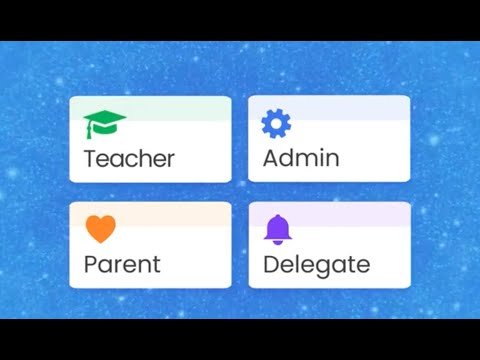
Role-specific dashboards- Separates district administrator, school, teacher, guardian, and delegated functions according to permissions.
- Allows operational responsibilities to be distributed without giving every user districtwide access.
Chromebook-focused management- Provides controls and reporting designed around managed ChromeOS and Google Workspace environments.
- Complements, but does not replace, the core enrollment and fleet-administration functions of Google Admin or a full UEM platform.
- Interoperabilty
- Support Options
-
- Email •
- Phone
- Company News
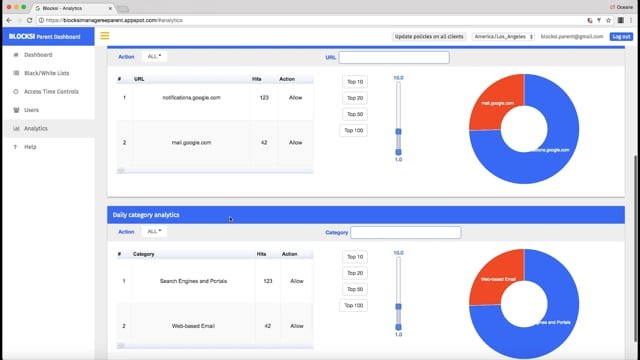
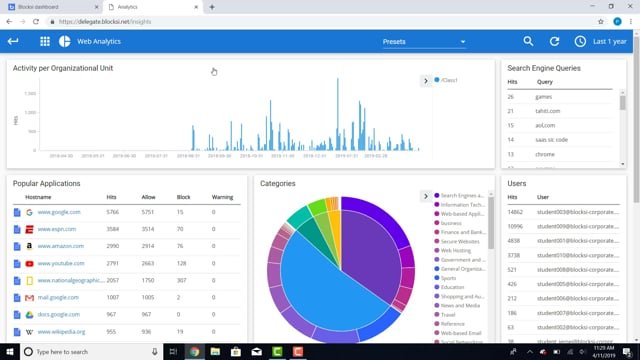
Blocksi Manager can be used for filtering policies, collect analytics on managed users, organizational units or recover stolen or lost devices. Chromebook and Windows screens can be monitored collectively or individually. One of a kind & secure audio-video conference mode supports remote learning settings. Share URL’s with every student or deny access to specific or all online resources with the teacher dashboard.
Blocksi Manager Education Everywhere is compromised of 4 Dashboards. Administrators, Teachers, Guardians, and Delegates all get their own personal dashboards. This allows for easier management of digital devices in classrooms, at home or in remote learning structures. With Blocksi there is a wide variety of ways in which device management becomes a smoother process for everyone connected to the students learning process.
Videos
08:00
04:15
04:12