Vizor
Product Details
- Website
- https://www.vizor.cloud/
- Overview
-
VIZOR for Chromebooks is a K–12 device and asset-management platform that combines Chromebook data from Google Admin Console with student, staff, location, assignment, repair, warranty, and financial information. It helps districts replace disconnected spreadsheets with a current view of what devices they own, where each device is, who has it, and what condition or lifecycle state it is in.
Schools use VIZOR to distribute and return devices with barcode workflows, manage loaners and swaps, track repairs and charges, identify lost or overdue Chromebooks, automate family notifications, and perform selected Google Admin actions in bulk. The platform can also manage other district IT assets and add service-desk ticketing, depending on the edition.
- Features
-
Google Admin synchronization
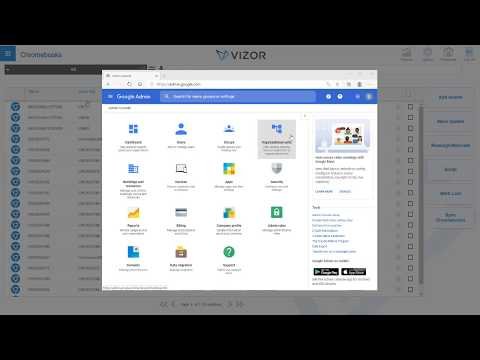
- Synchronizes Chromebook inventory, organizational units, annotated fields, recent users, ChromeOS versions, and support-expiration data with Google Admin Console.
- Supports bi-directional updates and bulk operations such as OU moves, annotated-field changes, disabling, deprovisioning, and powerwashing.
Inventory and lifecycle- Tracks devices by school, room, storage location, assignee, status, funding source, warranty, and Auto Update Expiration date.
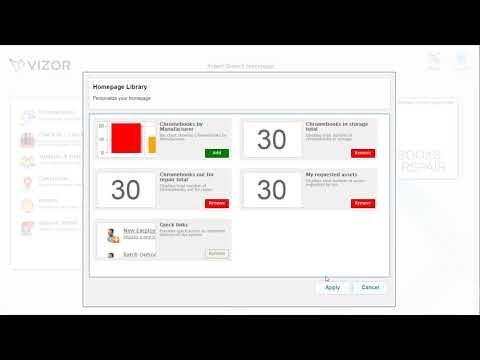
- Provides dashboards, queries, reports, and lifecycle planning for Chromebooks and other district assets.
Distribution and returns- Uses barcode scanners and student identifiers for mass check-out, check-in, loaner, swap, and return workflows.
- Supports electronic receipt acknowledgement and self-service visibility for authorized staff, students, and families.
Repairs and financial accountability- Records diagnoses, repair history, parts, labor, warranty coverage, insurance, and charges associated with each device.
- Identifies repeatedly repaired or 'lemon' devices and can notify families about repairs, balances, pickup, or overdue returns.
SIS and service-desk options- Can synchronize student, staff, and family information from supported SIS platforms including PowerSchool, Infinite Campus, and Skyward.
- An available edition adds IT and facilities ticketing, routing, knowledge-base, and self-service help-desk functions.
- Support Options
-
- Email •
- Phone
- Company News
Videos